Everything it does
From the first invitation to the day after: what Guestbloom does for you and your guests, step by step.
Invite
An invitation guests open on their phone, in their language.
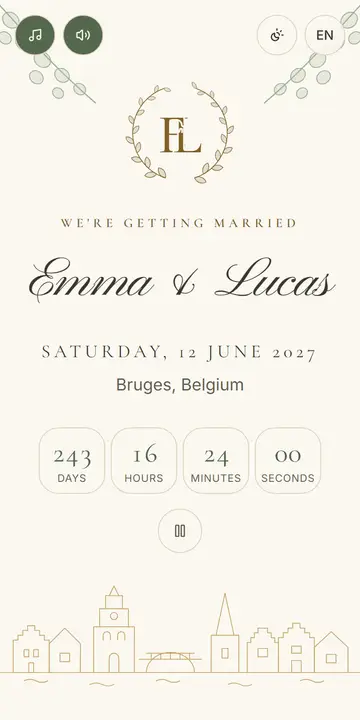
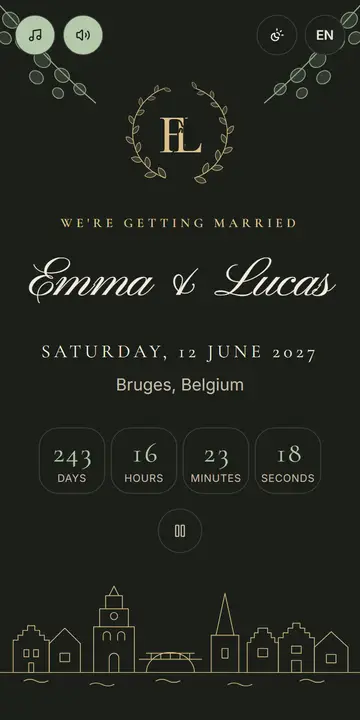
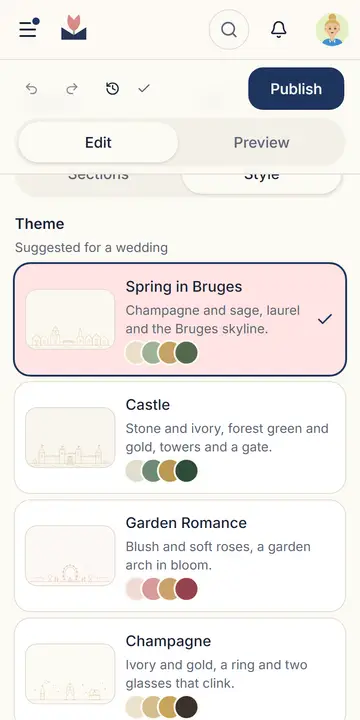
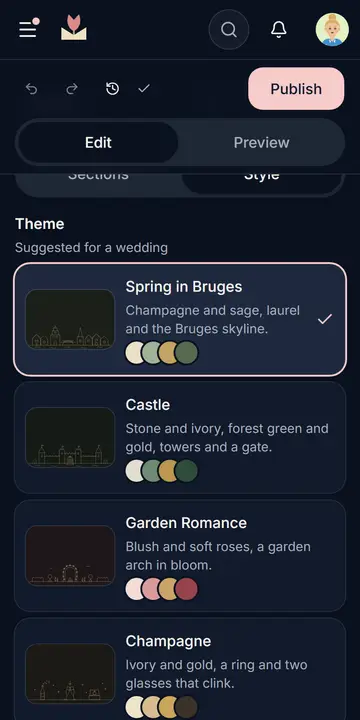
Your online invitation
Themes and colour sets, a starter look for each occasion, the sections you pick and your own words and photos. Change it any time and publish when you're ready.
An opening guests tap
An envelope with a wax seal in your own style, a gift box, a ring box, a dove, a letter, castle gates, or a walk-in made from your own pictures.
Music and soft sounds
Pick a piece of music that's free to use, from ballroom strings to soft piano, and an opening sound like castle gates. Guests can turn either off with one tap.
In your guests' languages
English, Dutch and French, and every time shown in each guest's own time zone.
A personal link for every invitation
Send it by WhatsApp or email, show a QR code, or print a folded card. Guests never need an account, and you see if an email didn't arrive.
See it as your guest
Open any invitation exactly as that guest sees it, with their names, their rooms and their door QR.
A letter for visas
Guests who need a visa fill in their own passport details and print your invitation letter, with who pays for what.
Replies
Who's coming, what they eat and what they'd like to know.
Replies that add up
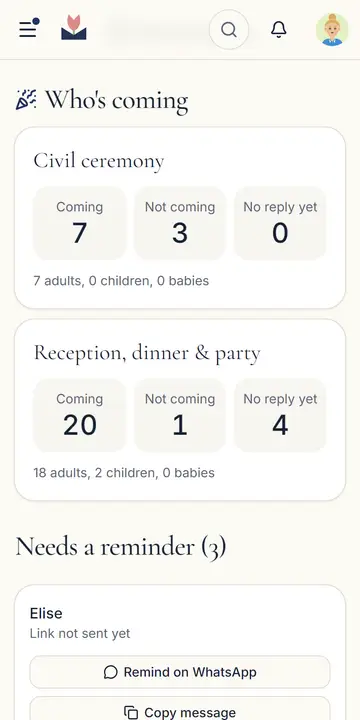
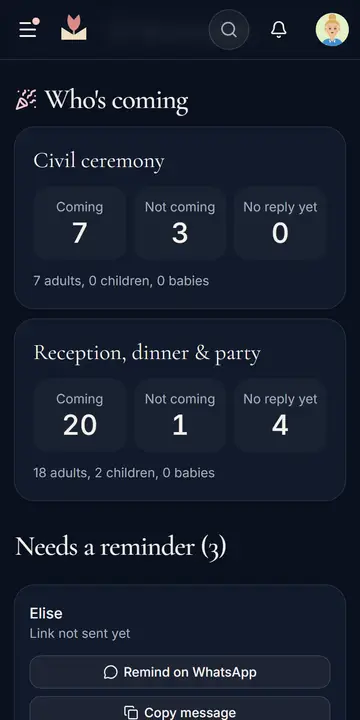
Per celebration, with meals, plus-ones and your own questions. Dietary notes stay private.
Your guest list
Invitations with everyone in them, search, and a table view for long lists.
Reminders
See who hasn't replied and remind them by WhatsApp or email, one by one or all at once. Pick how many days before the reply-by date we nudge you.
Rooms & offers
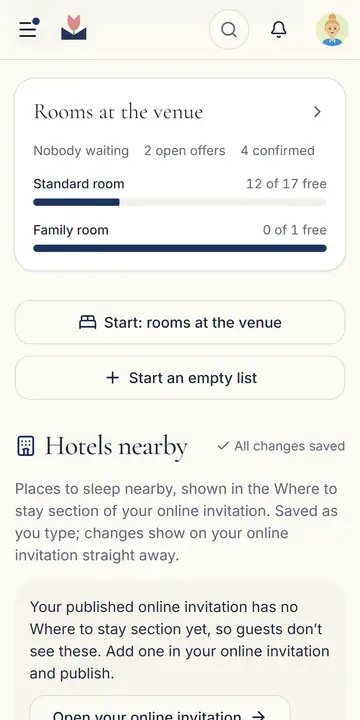
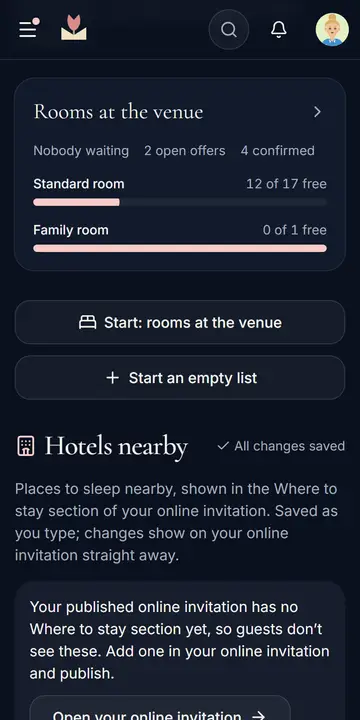
Rooms at the venue and who shares which room, and shuttle seats. Each has its own list: you hand them out, or first come, first served.
Children
Who's coming by age, babysitting with its hours and a sheet for the babysitter, high chairs at their tables, a children's table, kids' menus for the kitchen, the price per guest by age, and a “For the little ones” part only parents see.
Questions from guests
Guests ask on their personal page; you answer from your Inbox and can add it to the FAQ.
All your guests need to know
The programme, what to wear, travel tips, places to stay, gift wishes guests reserve and announcements.
Plan the day
Tables, the run sheet, suppliers and budget, together with your team.
What's next
Your plan step by step, from the first idea to the day itself, so you always know what to do next.
Seating
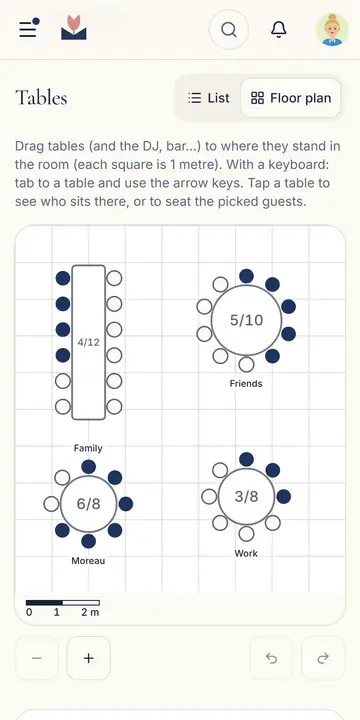
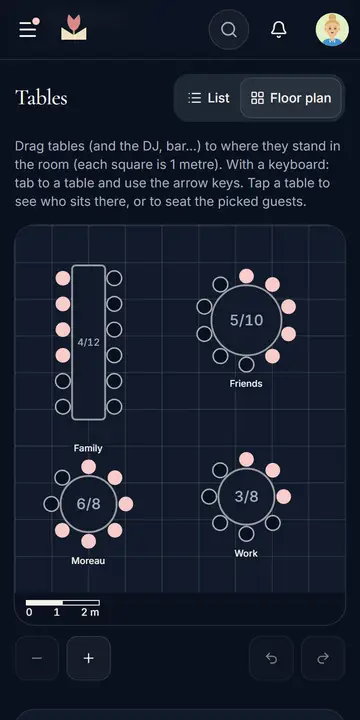
A floor plan of your room with round, long and oval tables you can turn, a head table, suggested seats, each guest on their own chair if you like, place cards and a sheet for the kitchen. Guests can see their table when you're ready.
Run sheet
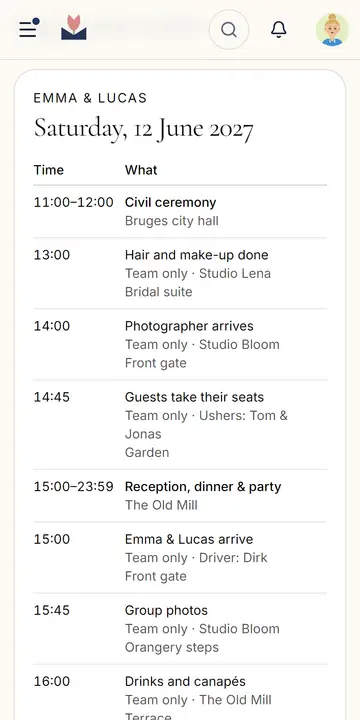
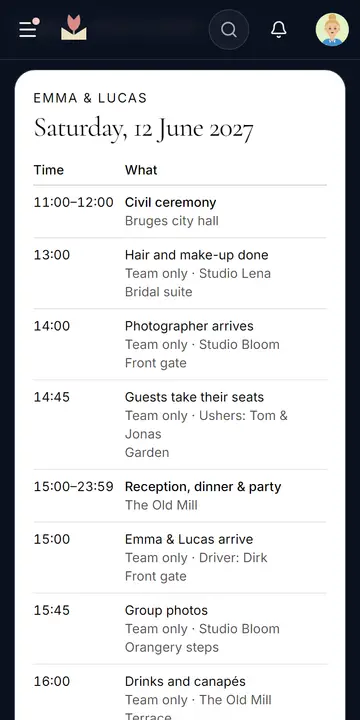
The day by the minute for your team, with a link suppliers open without an account.
Suppliers
Who does what, appointments and to-dos, what's paid and what's due, and their files in one place. Your suppliers stay in one address book for every event you plan.
Budget
A plan per type, what's booked and what's paid, and other costs, on one page.
Your calendar
Every date of all your events, reminders on your phone, and a link for your own calendar app.
Plan together
Invite your partner, a planner or family, each with the right access. See who else is here.
Start from a copy
Planning another event? Create it from a copy of one of yours, without the guests.
Help when you need it
Ask us something, tell us what's broken, and see what's new, from inside the app.
On the day
At the door, on the big screen and in everyone's photos.
Check-in at the door
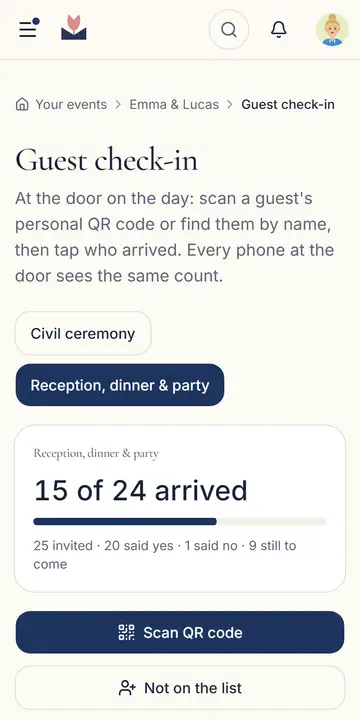
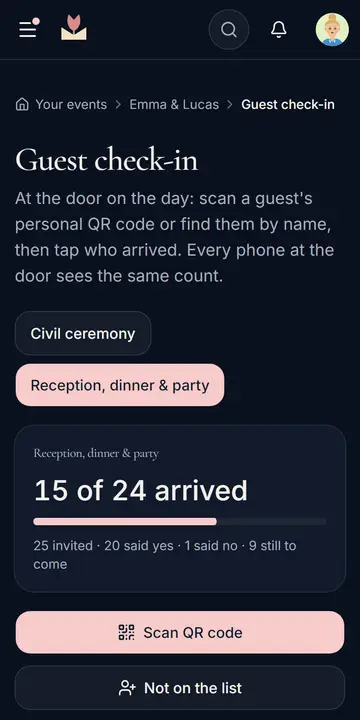
Guests who are coming get a QR code with their names. Scan it or find them by name: every phone at the door sees the same count.
A party quiz on the big screen
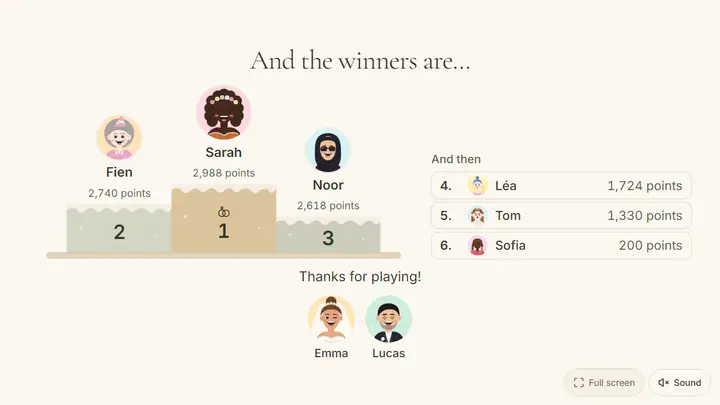
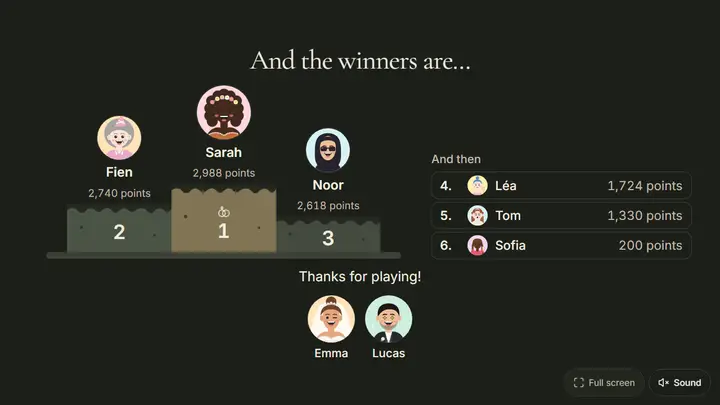
Guests play on their phones with an avatar, and the podium shows who knows you best.
A shared photo album
Guests add their photos; you hide the ones you'd rather not show.
A guestbook, also on a TV
Guests write you a card. Show the cards on a TV in one of four looks, with your own music, or keep them private.
After
Keep the memories; take your data with you.
A keepsake book
All your guestbook cards in one book to print, and time capsules that open a year later.
Every photo, downloaded
Download the whole album in one go.
Your data, yours to keep
Download everything as spreadsheets, or delete the event. Guests' details are erased when you choose.
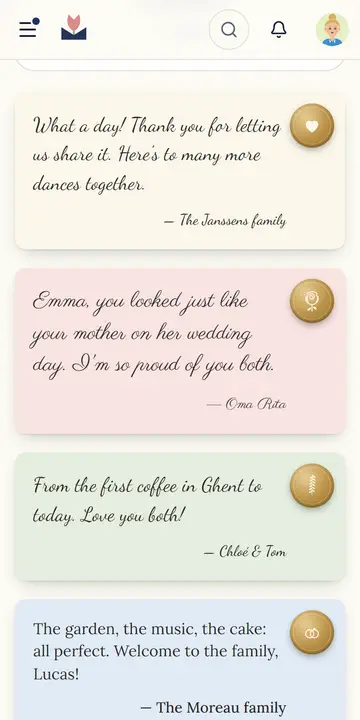
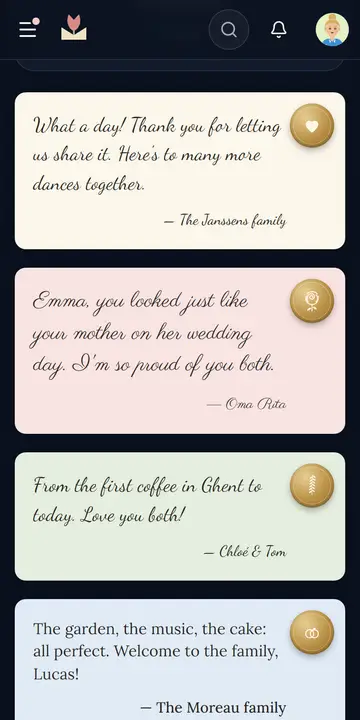
The pictures show a made-up event.
Ready when you are
Sign in, or use your invite code to create your event.